What is Scratch? A parent's guide
What it is, why schools use it, and how to get started at home for free.
Coding · Robotics · 3D design · AI · Luton
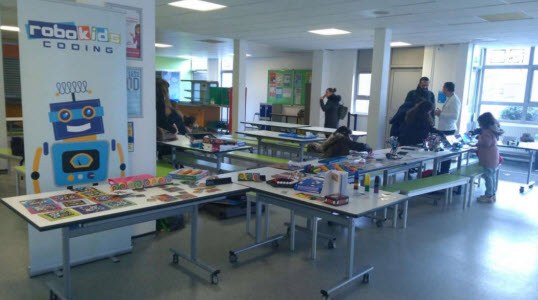
Robokids Coding is a hands-on tech club for children aged 7 to 12. We learn by making: games in Scratch, robots that follow a line, and 3D models you can hold in your hand.
Tap a block and Robo will do it. Press the yellow one to run them all.
Each course is built around projects. Children leave with something they made themselves and can explain how it works.
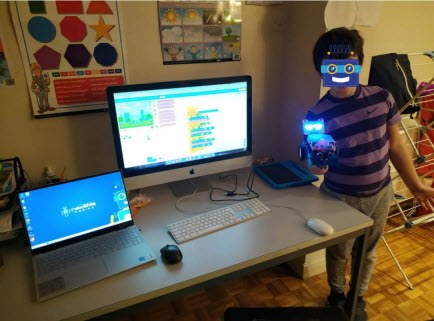
Children start with Code.org puzzles, then move on to Scratch to build their own games and animated stories using loops, conditions and variables.
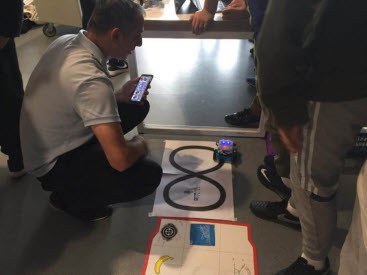
From LEGO builds to mBot and Arduino, children wire up sensors and motors, then program robots to follow lines, dodge obstacles and play football.
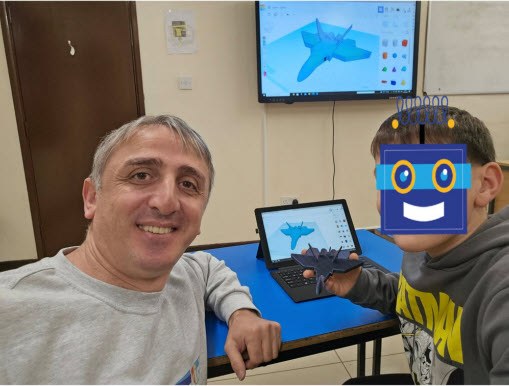
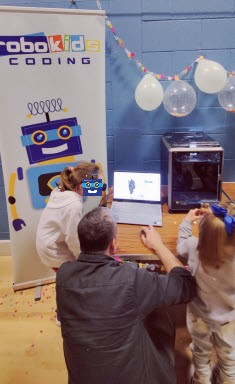
Children design their own models in Tinkercad, then watch the 3D printer build them layer by layer into something they can take home.
Children find out how machines learn. They train a computer to recognise pictures and sounds, build a simple chatbot, and talk about using AI safely and fairly.
Strategy, memory and logic games that stretch attention and problem solving, with plenty of laughing along the way.
Code is the tool. These are the habits children practise every time they use it.
Breaking a big problem into small steps, then putting those steps in the right order.
When the robot turns left instead of right, they hunt down the bug and fix it themselves.
Every project starts with their own idea: a character, a game, a machine nobody has built before.
Children explain how their project works and present it to the rest of the group.
They build in pairs, share the kit, swap ideas and help each other get unstuck.
Children go from using technology to making things with it, and they finish what they start.
Four things stay the same whatever we are building that day.
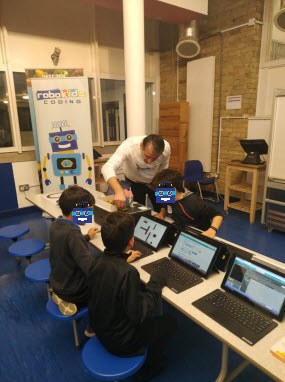
Up to six children in a group, so everyone gets help when they need it.
Laptops, robots and materials are ready on the table. Curiosity is the only kit required.
Sessions are led by a DBS-checked tutor in a calm, supervised space.
We play, build and experiment. The learning sneaks in along the way.
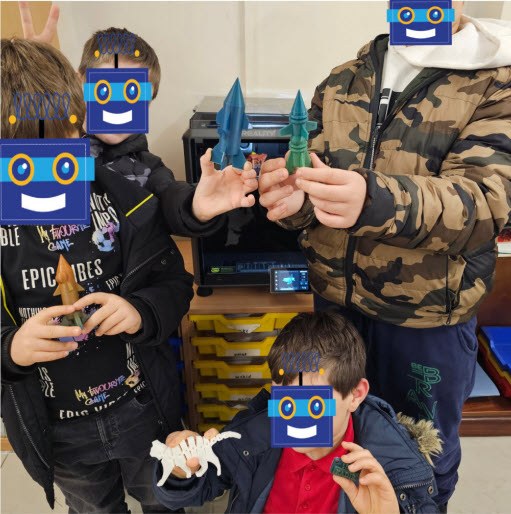
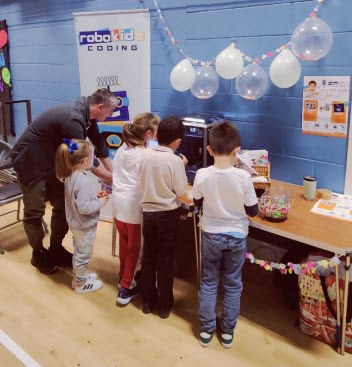
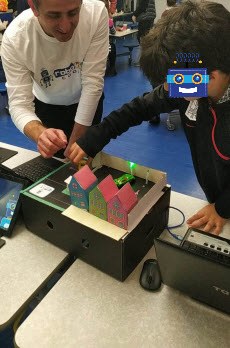
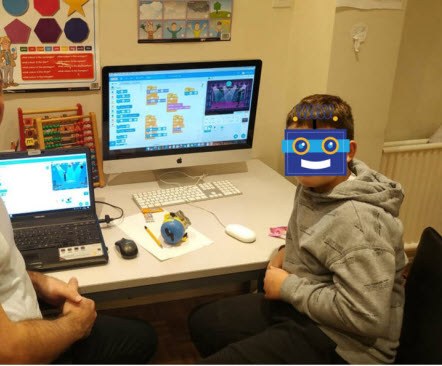
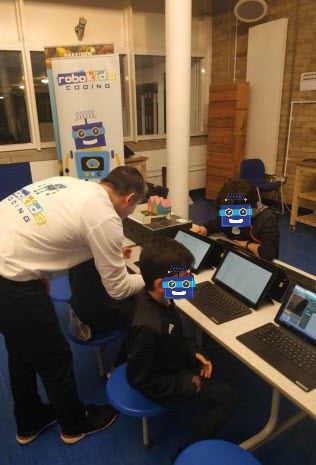
You will notice Robo covering the children's faces. We do that in every photo we share.
Tips, ideas and tech news for curious kids and their grown-ups.
What it is, why schools use it, and how to get started at home for free.
From a drawing on screen to a toy in your hand, one thin layer at a time.
Puzzles and challenges you can play in a browser with no sign-up.
Write to us at info@robokids.co.uk and we will get back to you.
Projects, tips and tech facts at @robokidscoding.